Project templates
Before creating a project, you'll need a template to base it on. A template defines what every project of that type should contain.
-
Datapoints: The core information Lumiare should collect, such as budget, scope, or compliance requirements.
-
Sheets: The tables your team will work with.
-
Document templates: The documents you'll generate, such as proposals or reports.
When you create a project from a template, all of this is set up for you automatically. Lumiare knows exactly what information to look for in your uploaded files, which gaps to flag, and which documents to prepare, so you can start working right away instead of building every project from scratch.
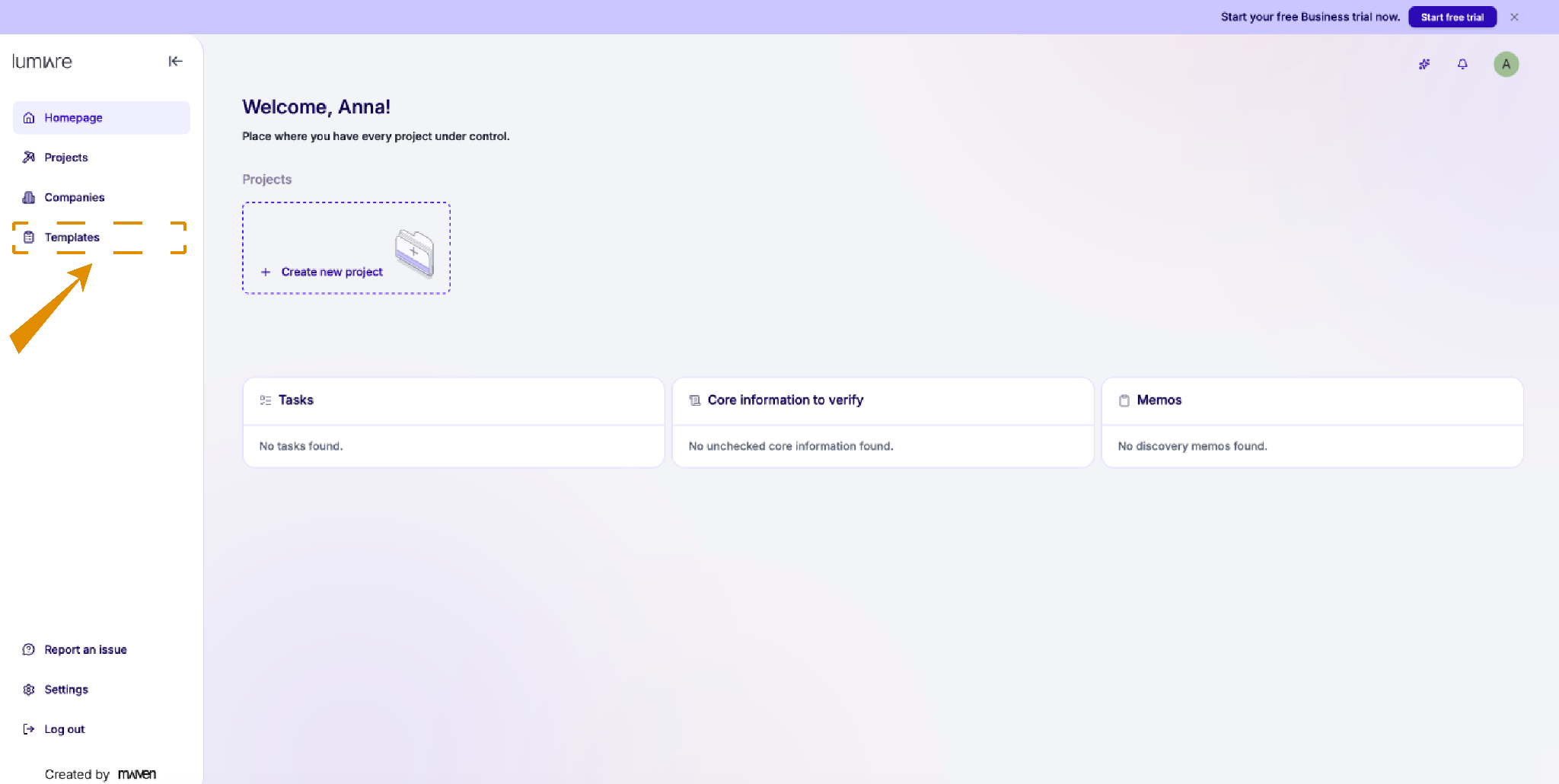
Project templates define what a project must know. Standardize new projects with reusable datapoints, sheets, and recommended Document Templates.
Create a project template
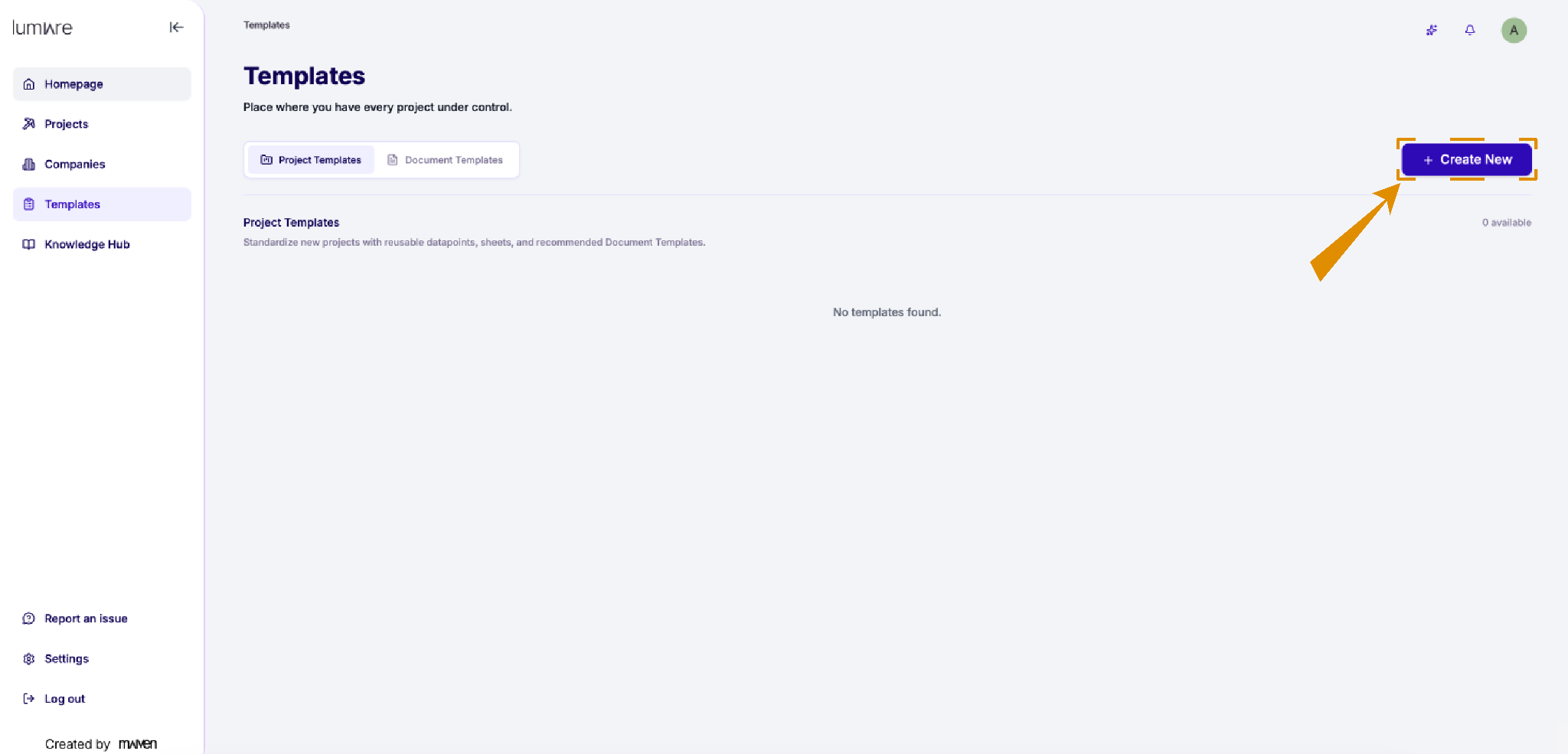
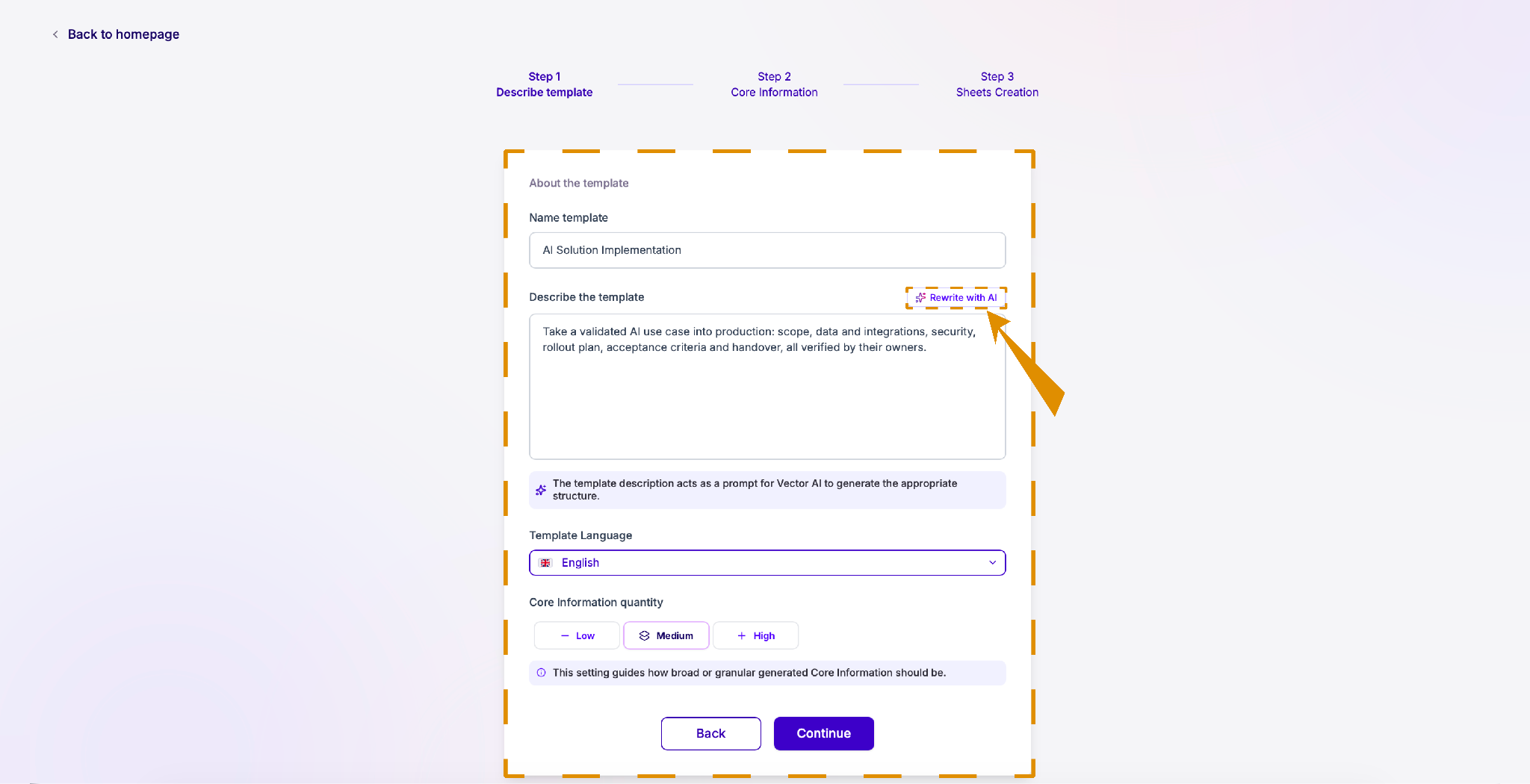
Click “+ Create New” in the top-right corner to start a new template.
Give your template a clear name and description.
The more specific you are, the better the agent can generate the right datapoints for it.
Core Information is the structured heart of a project. A datapoint is one defined piece of knowledge the project needs.
Tip: Once you've written a description, click “Rewrite with AI” to refine it.
Review the suggested datapoints
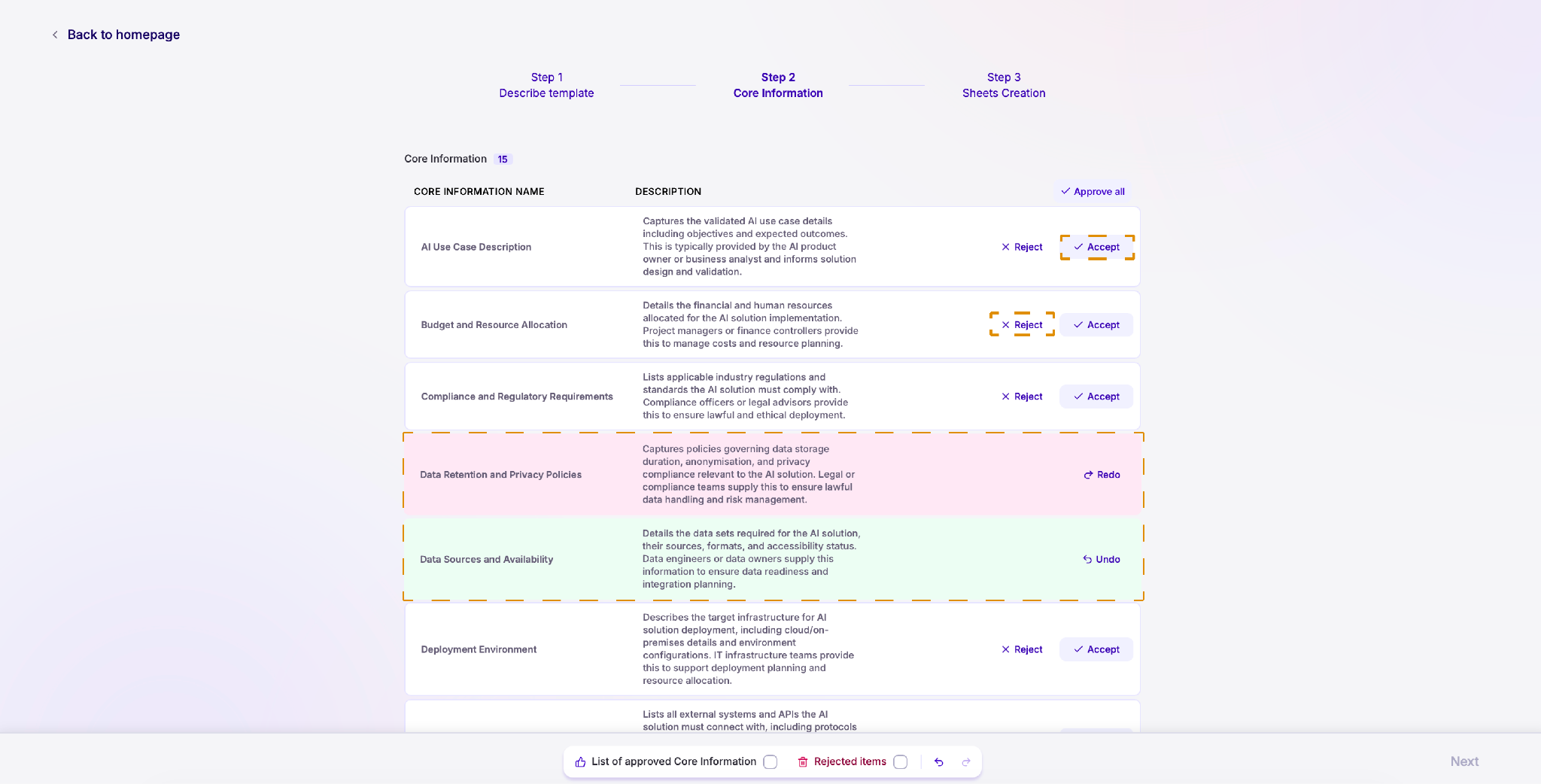
Based on your description, AI will suggest a set of datapoints for your template.
Review each one and click Accept to keep it or Reject to remove it.
Create sheets for your template
Sheets - structured, tabular context: requirement registers, backlogs, estimation matrices, RFP response grids. Sheets bring spreadsheet discipline into the project with ownership, tags, verification state, and AI-fillable columns on every row.
Create the sheets you need for your template OR skip this step if you don't need any for now. Every time you use the template in a project, those sheets will be included automatically.
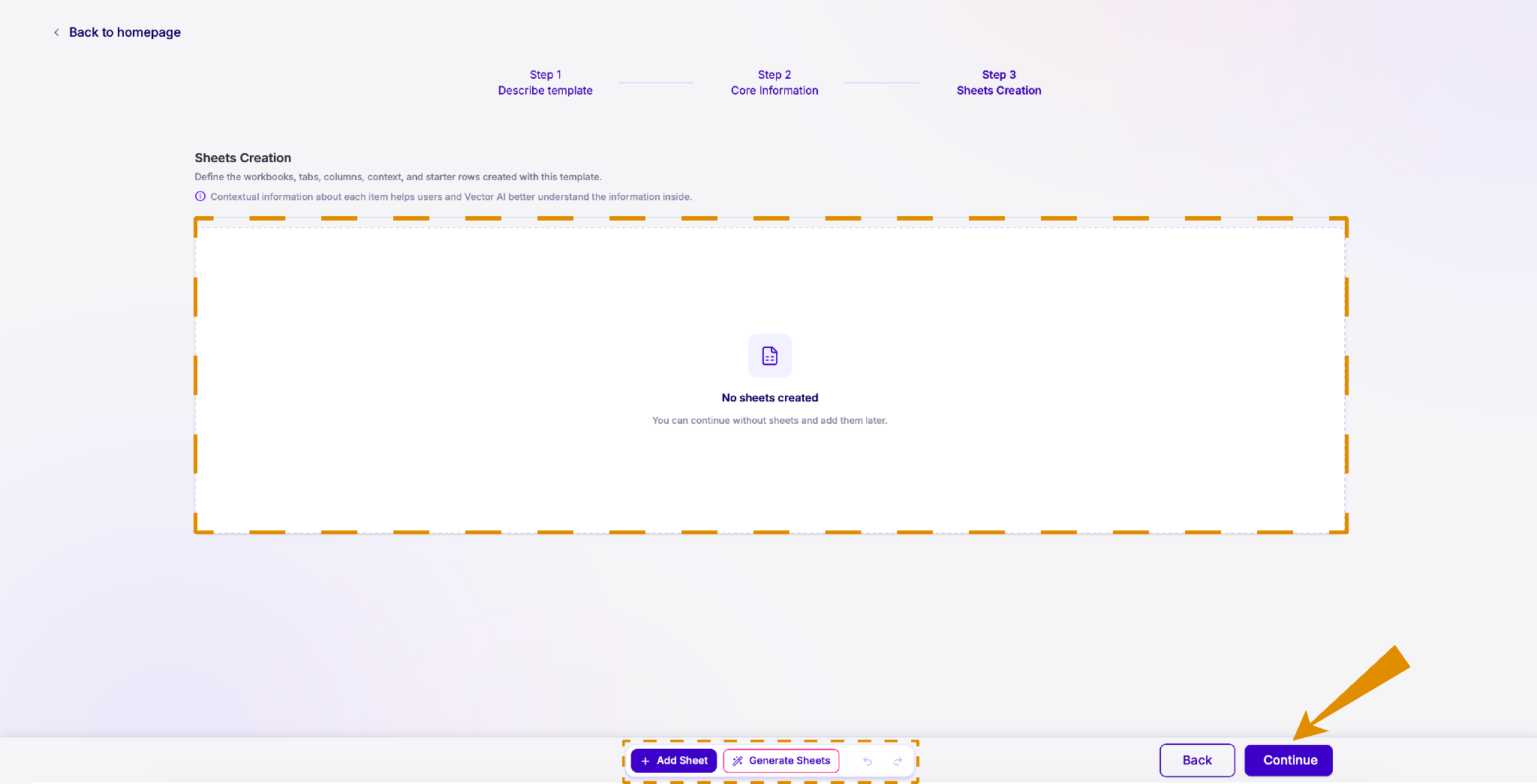
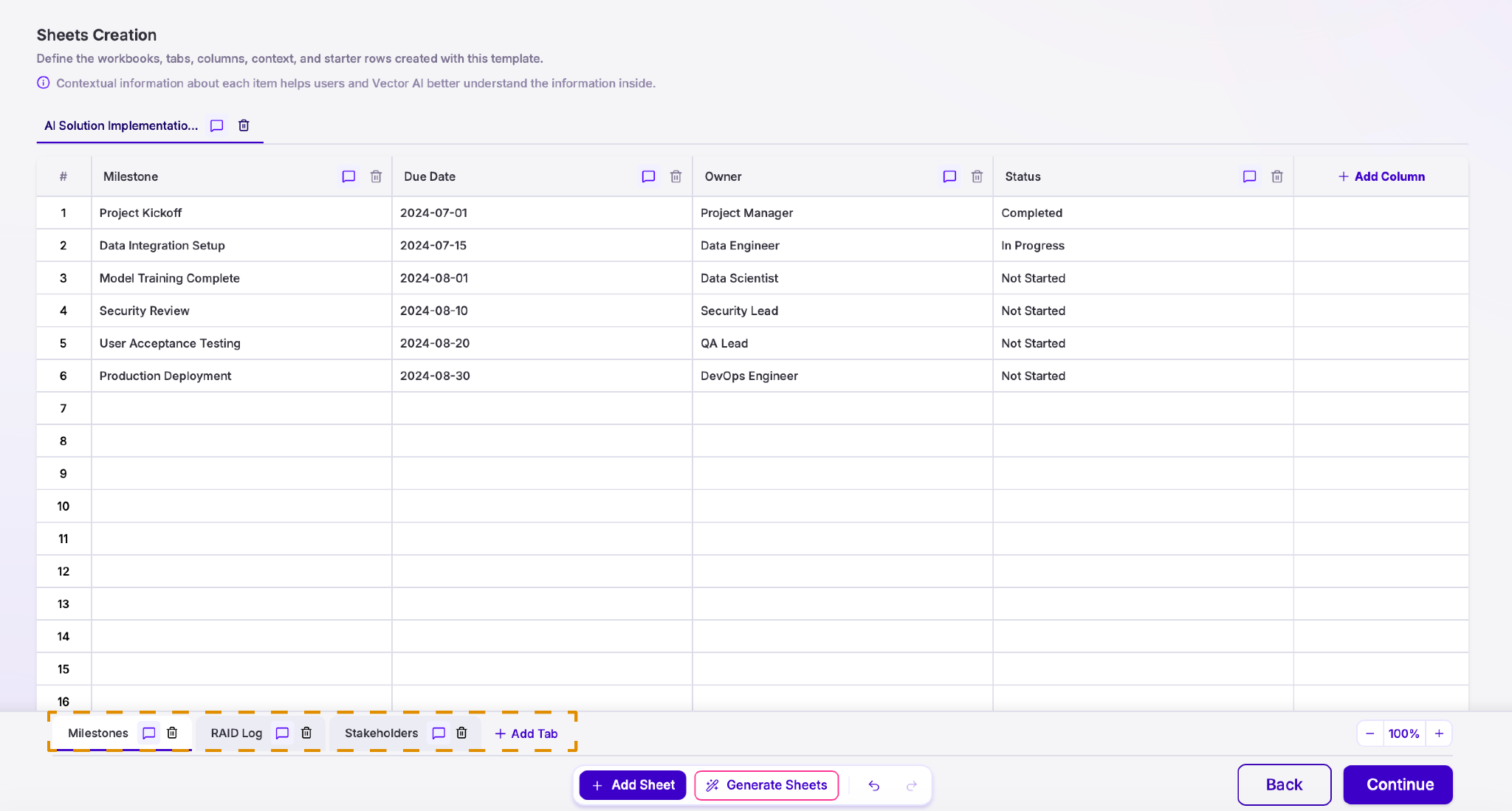
You can Add a sheet manually:
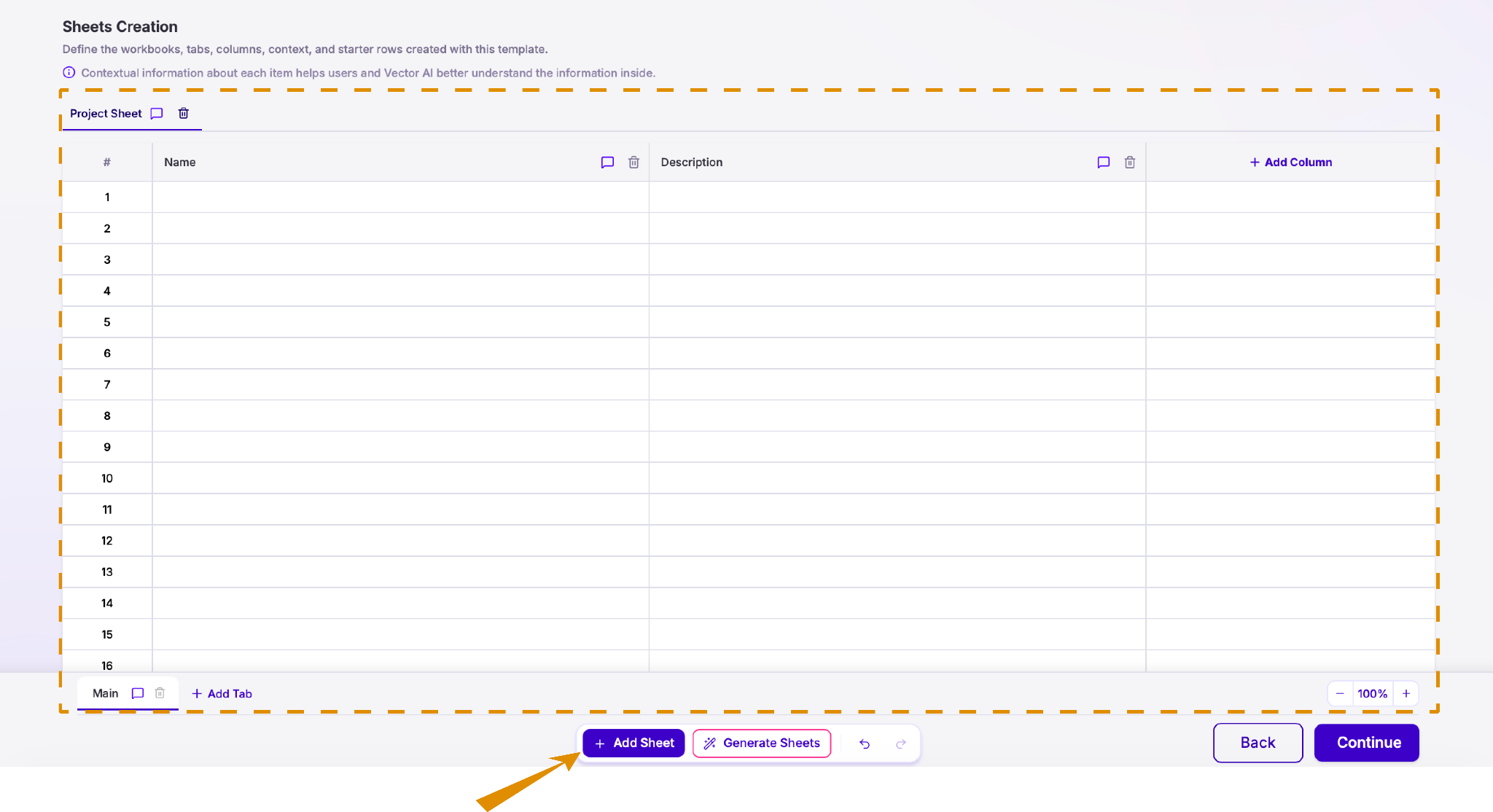
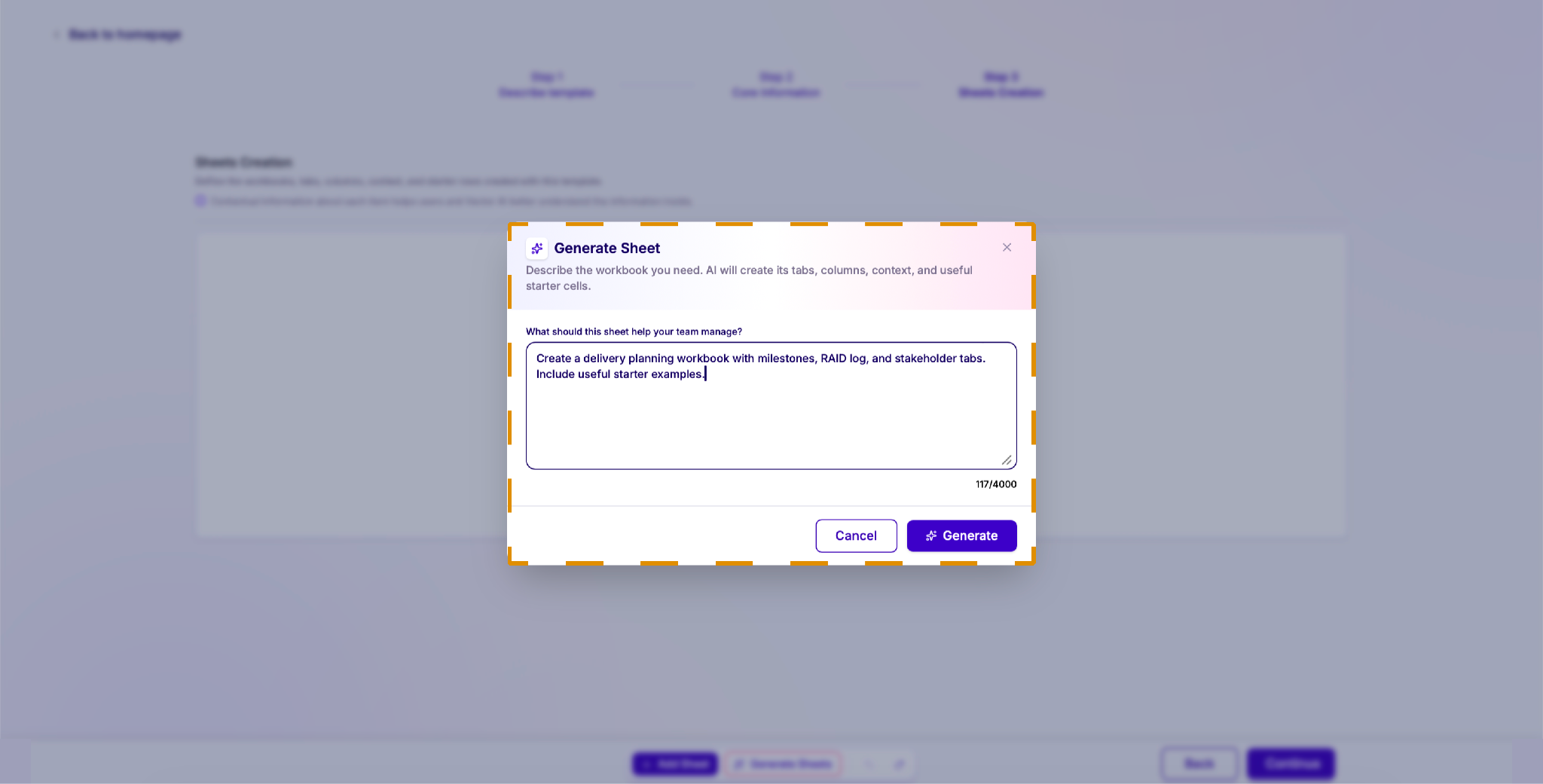
OR describe what it should contain and let the agent Generate it for you: