Trial and subscriptions
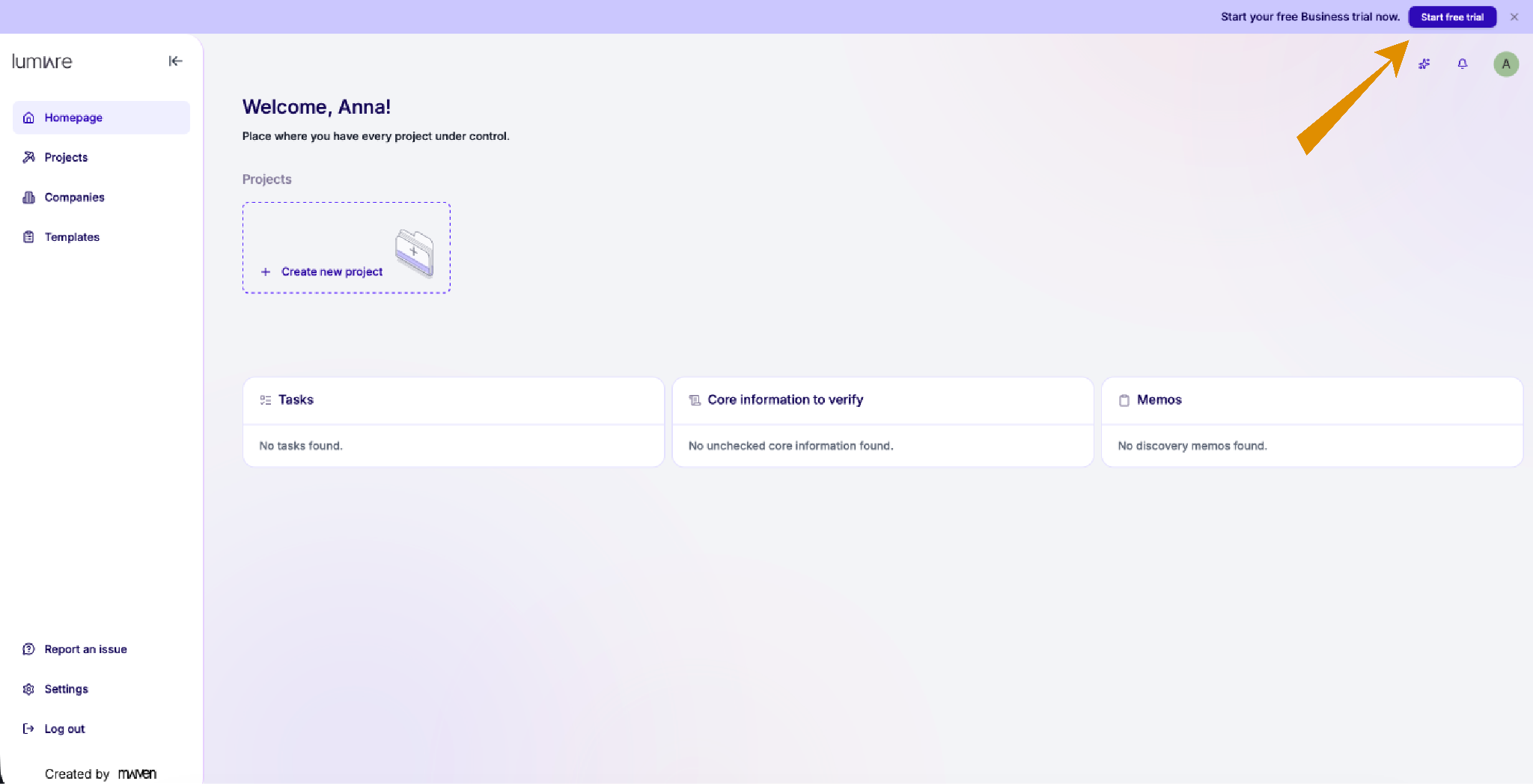
Begin setting up your Subscriptions by clicking the button at the top of the page.
Start a free 30-day trial or upgrade immediately to one of the available subscription types.
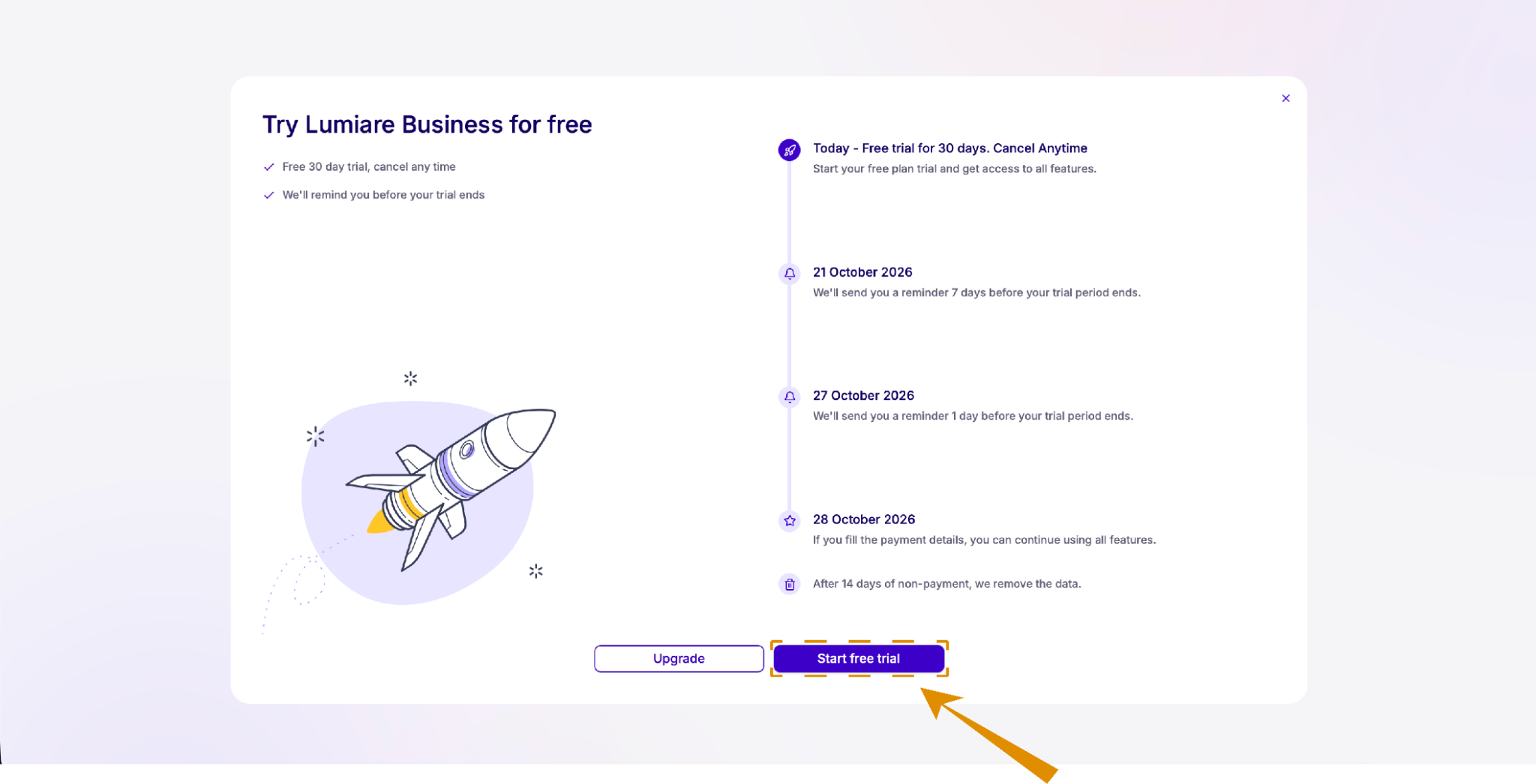
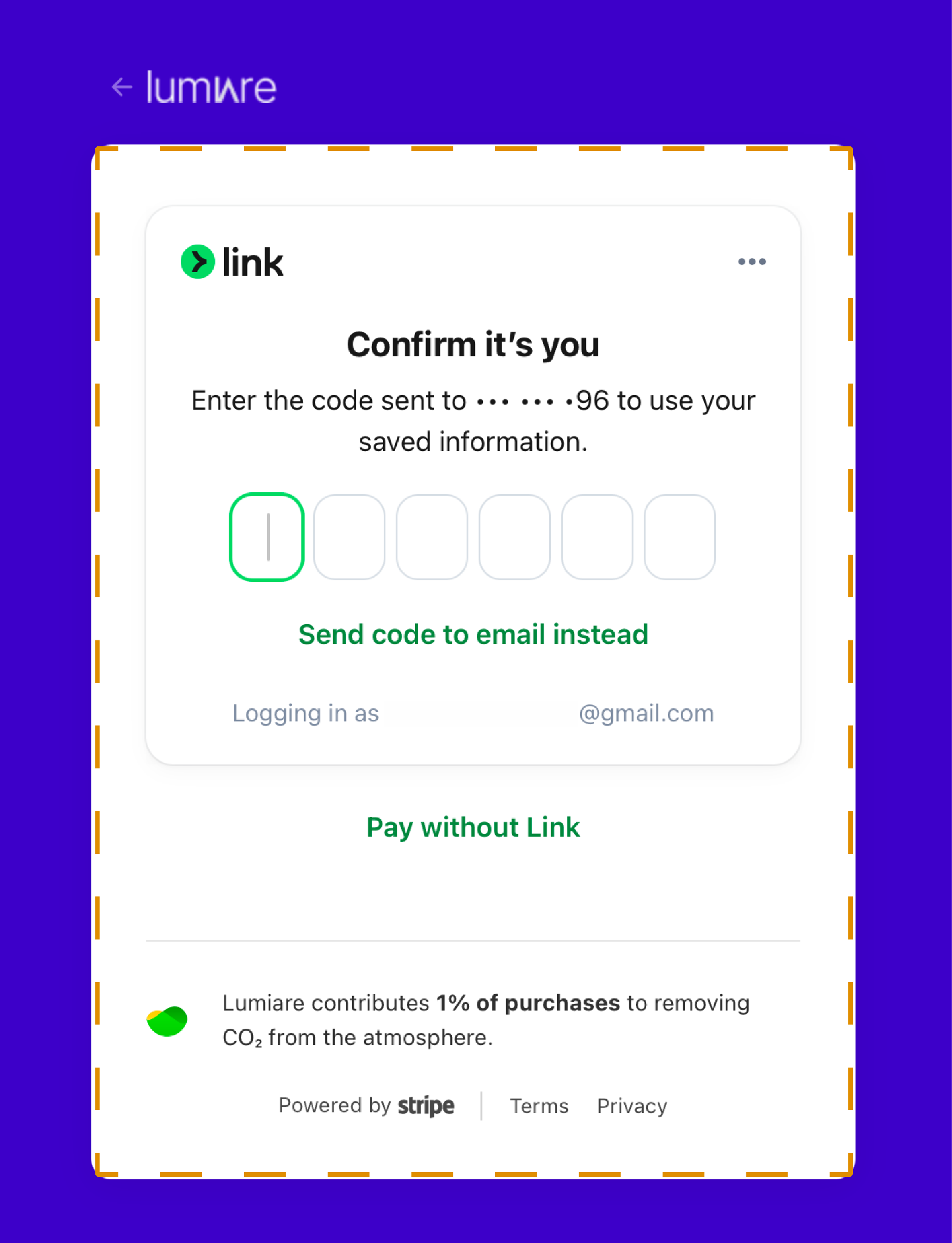
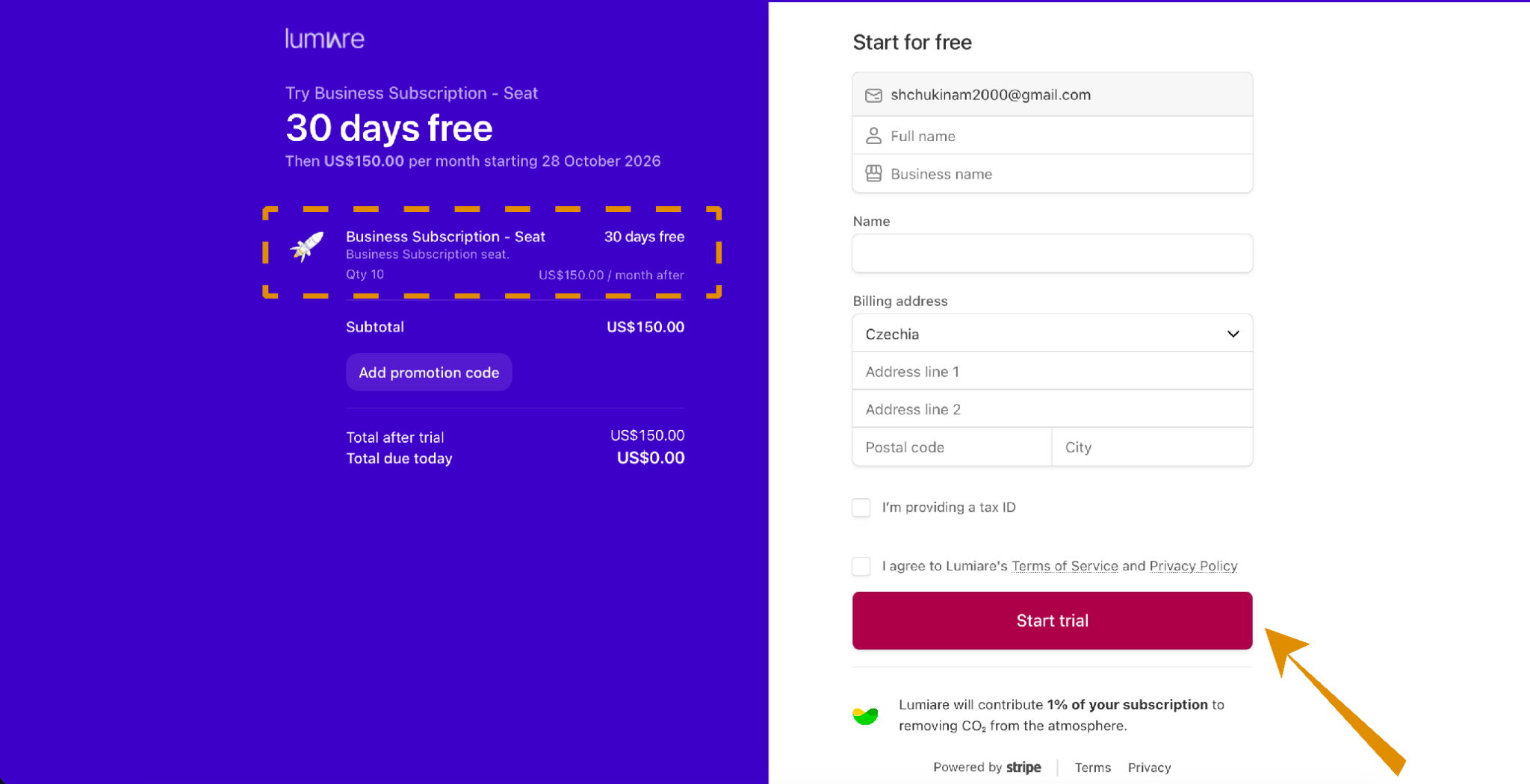
To start your free trial, complete the form on this page. Your first 30 days are free, and nothing is charged today. When the trial ends, your subscription continues at US$150.00 per month for 10 seats.
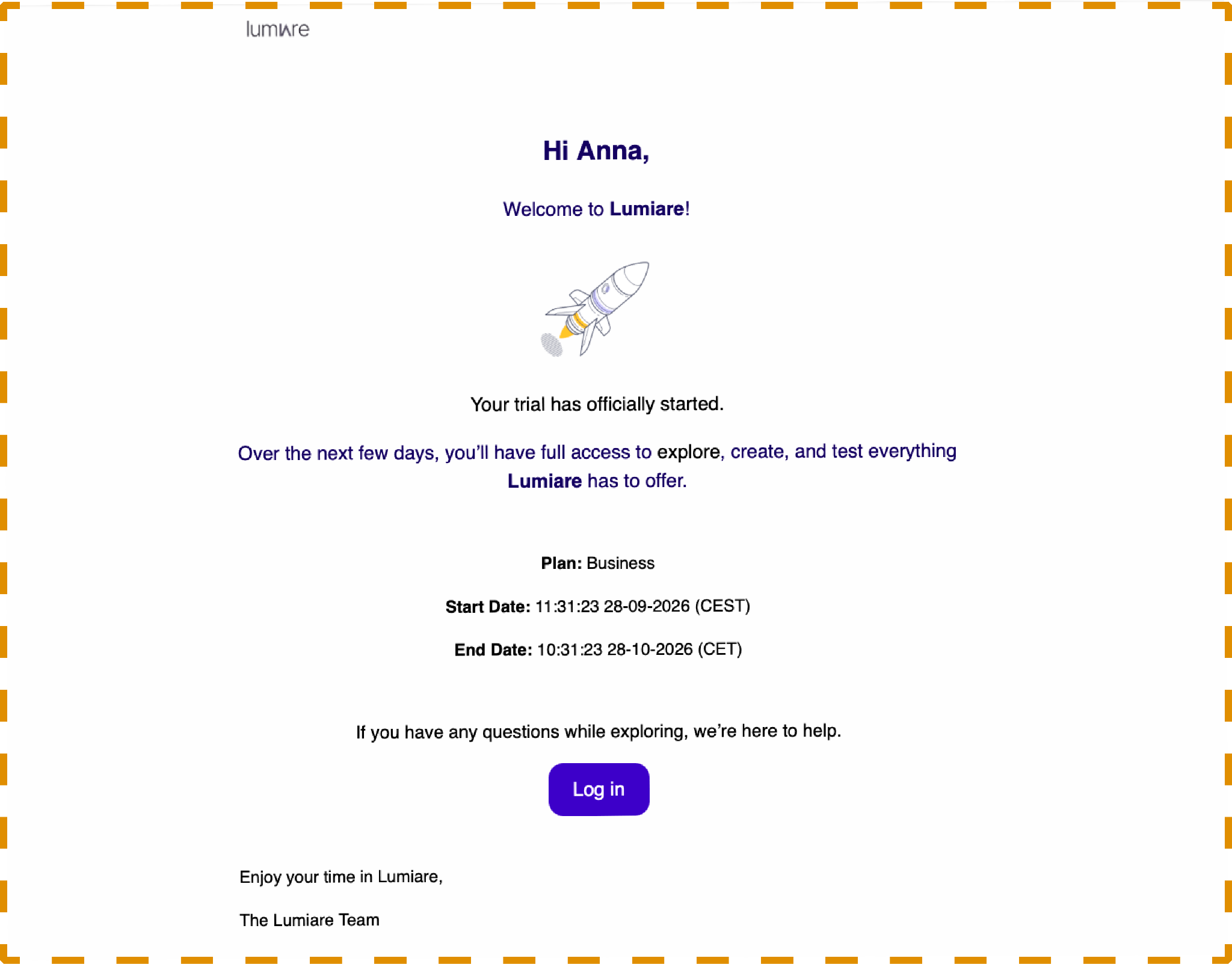
After you click "Start trial", a confirmation email will arrive in your inbox.
Welcome to Lumiare!
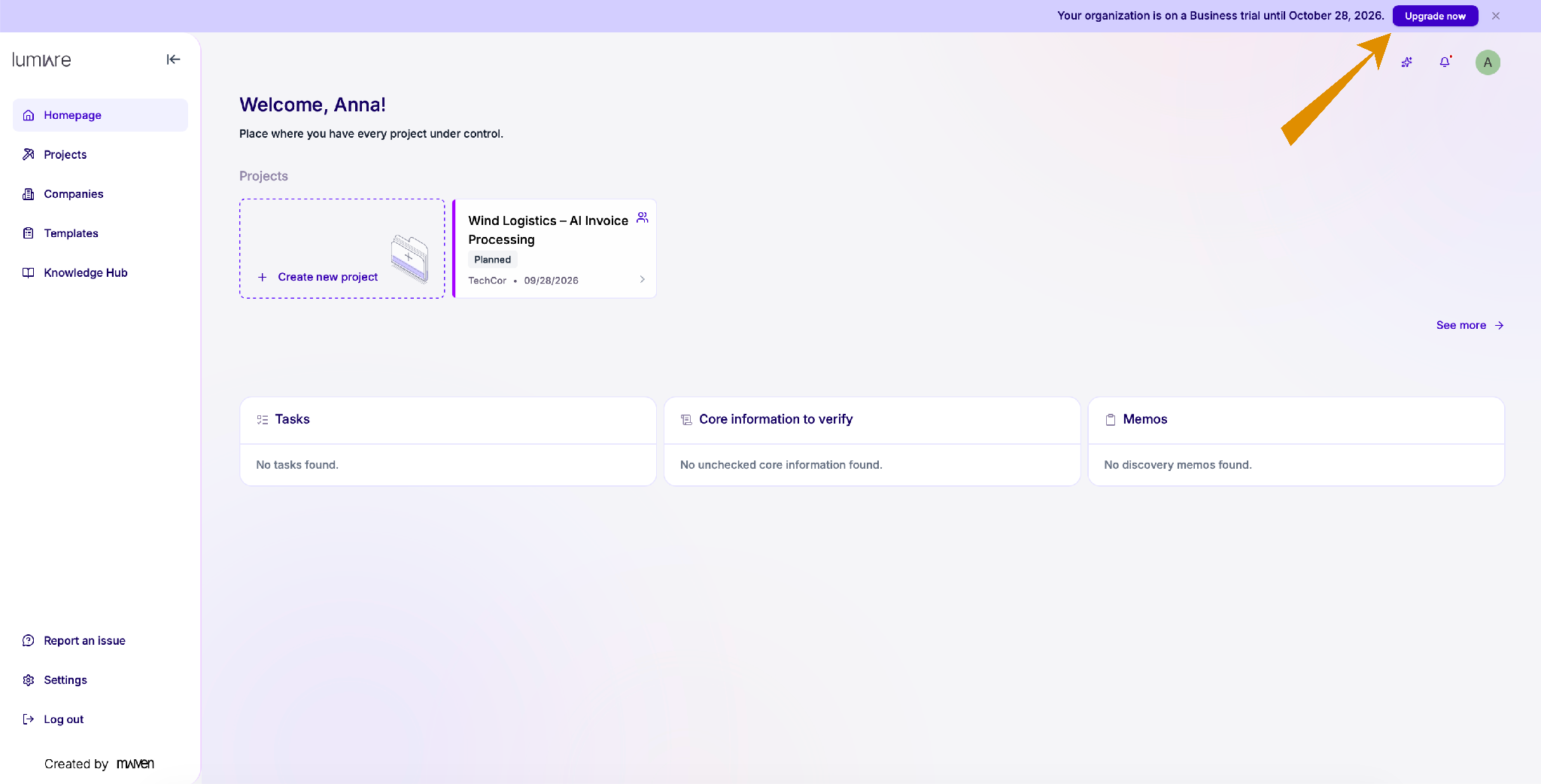
Upgrade your Subscription
To upgrade, go to the main page and click “Upgrade now” at the top of the page.
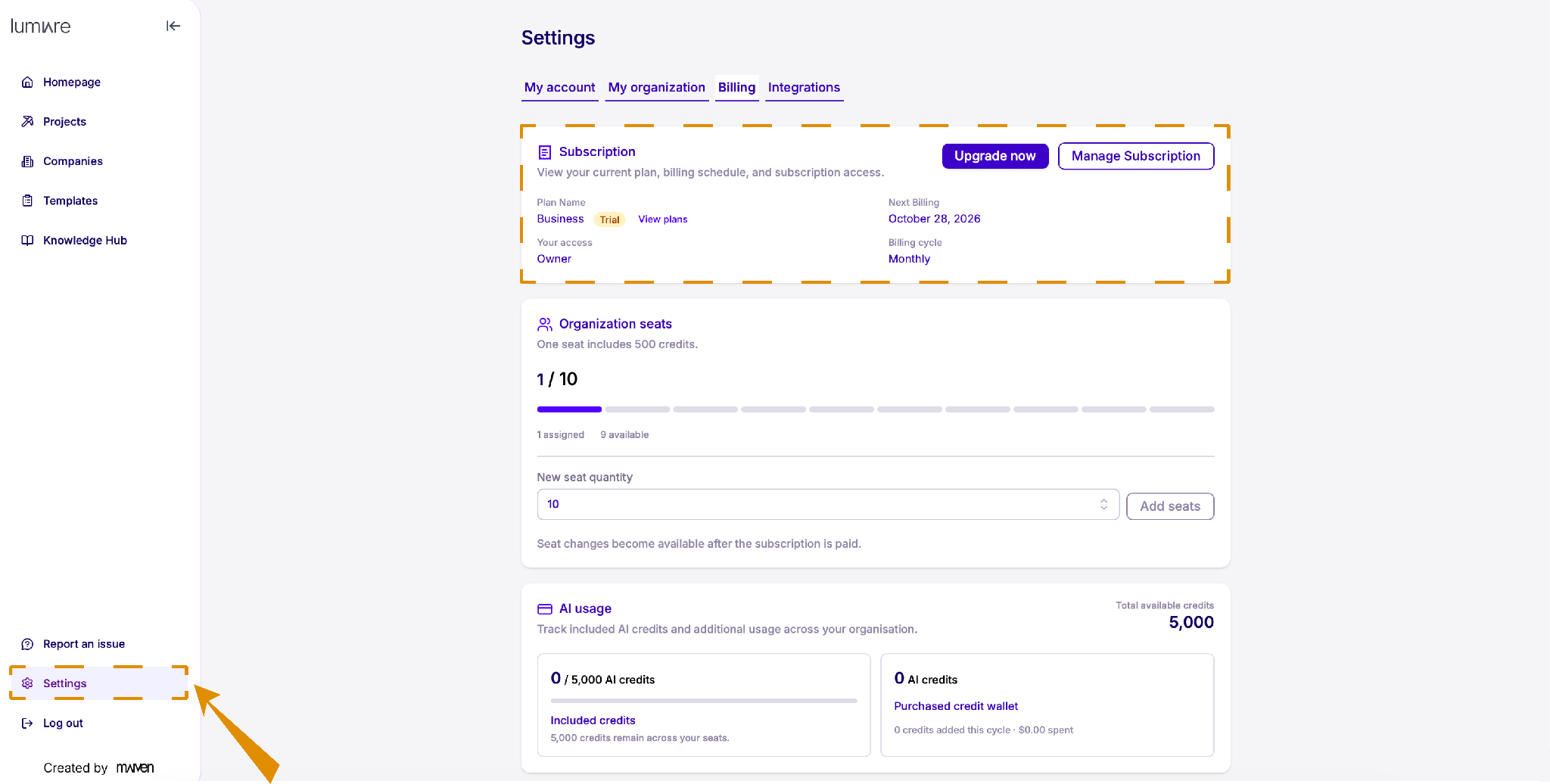
OR do it from the Settings page
To view or change your plan, click Settings in the left sidebar and open the Billing tab.
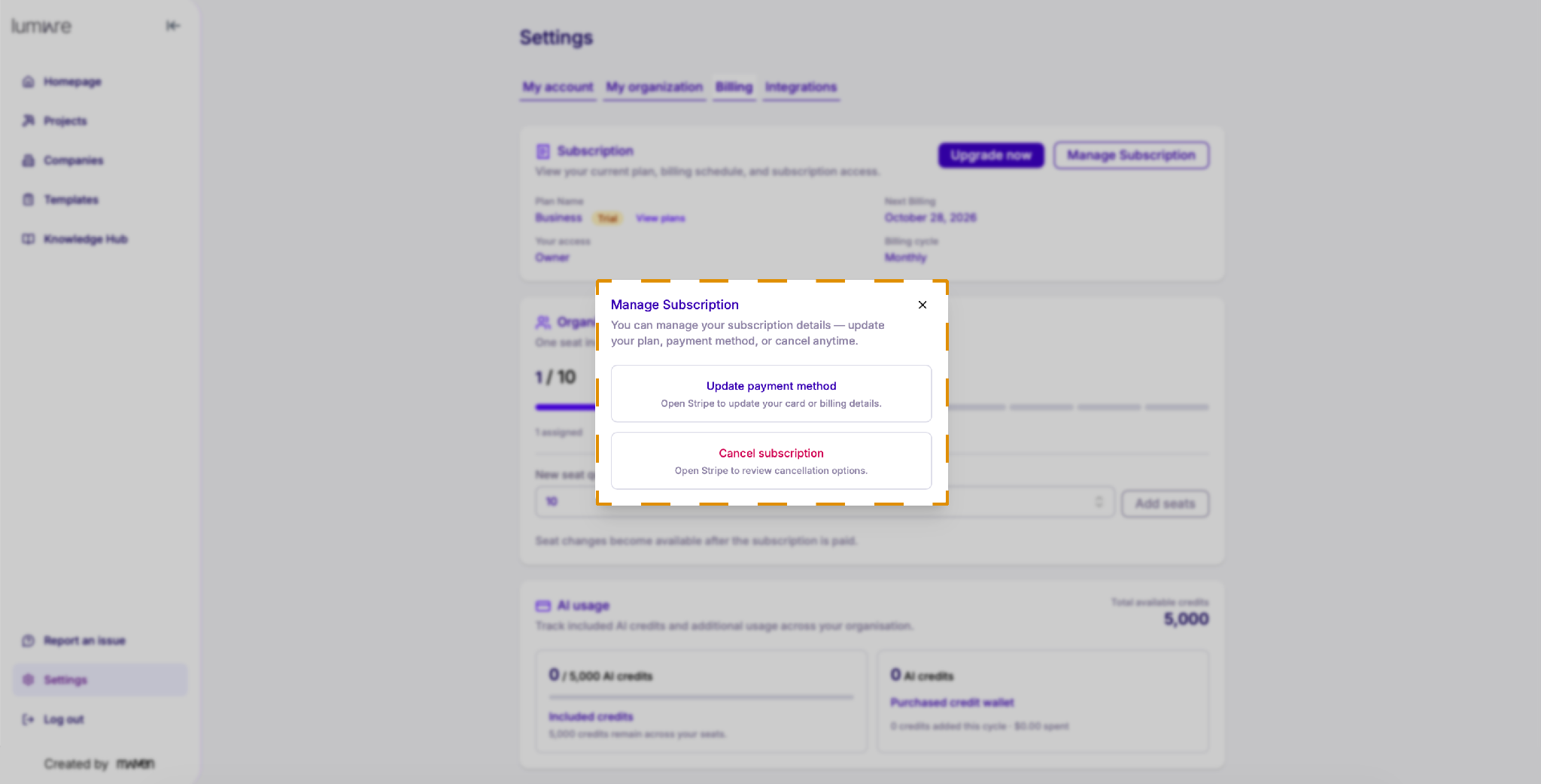
Manage your Subscriptions
-
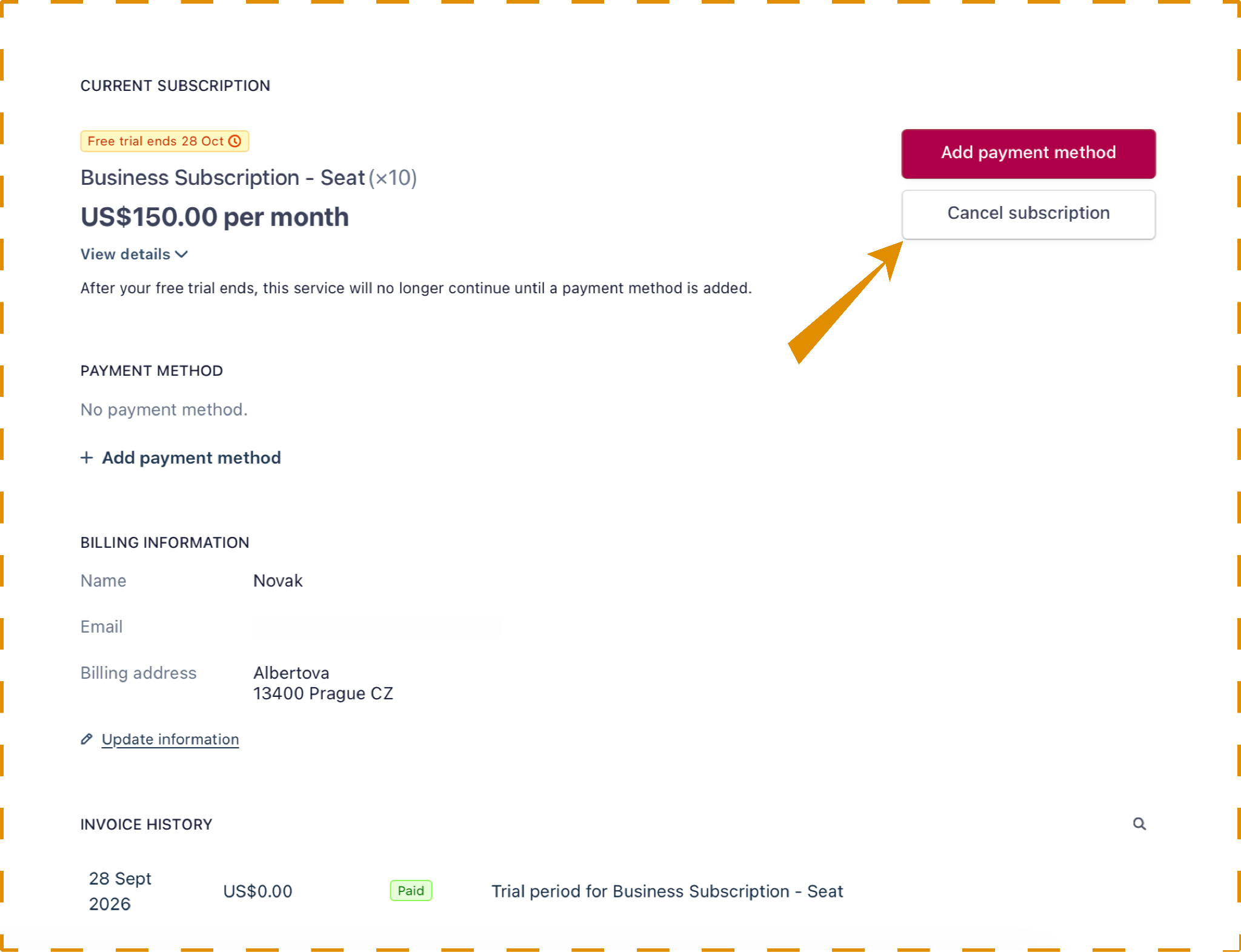
Update payment method: Opens Stripe so you can update your card or billing details and keep using Lumiare without interruption.
-
Cancel subscription: Opens Stripe so you can review your cancellation options.